

While mobile devices facilitate us access to the Internet, it is clear that we can not always stay connected to consult our favorite websites. Fortunately there is no need for it as there are applications to view web pages offline on Android, which allow us to save the content to your phone for viewing at any time without having to connect to the Internet. Below we share 5 Apps to View Web Pages offline on Android.
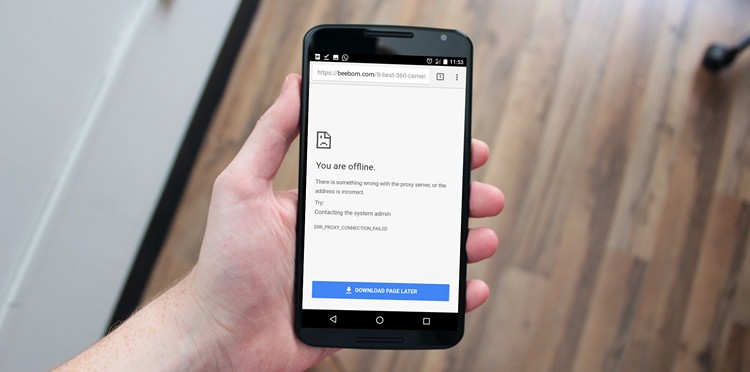
It is noteworthy that initially all these applications require access to the Internet to store web pages and articles, however, once this is done, we can see pages from the phone or tablet, without requiring internet connection .
1. Pocket
Overview: Pocket is one of the most popular apps for saving web pages, articles, and videos to view later. With its clean, reader-friendly interface, you can access saved content offline anytime.
Key Features:
- Save articles, web pages, and videos for offline reading.
- Sync content across devices.
- Provides a clutter-free reading experience with its simplified view.
- Integrates with over 1,500 apps and browsers for easy saving.
Why It’s Great: Pocket’s ability to sync across devices makes it perfect for users on the go. Whether you’re using a smartphone, tablet, or desktop, you can access saved pages seamlessly.
Available On: Android, iOS, Web
2. Evernote
Overview: Evernote is a versatile note-taking app that allows users to save web pages, notes, and articles for offline viewing. Its Web Clipper tool makes capturing content from the internet a breeze.
Key Features:
- Save entire web pages, including images and text.
- Organize content using notebooks and tags.
- View saved pages offline without internet access.
- Sync across all devices seamlessly.
Why It’s Great: Evernote is perfect for users who want to save and organize content for research, reading, or productivity. Its robust organizational tools set it apart from other apps.
Available On: Android, iOS, Windows, macOS, Web
3. Instapaper
Overview: Instapaper is a minimalist reading app that allows you to save web pages and articles for offline viewing. Known for its simplicity, it provides a distraction-free reading experience.
Key Features:
- Save articles and web pages for offline access.
- Highlight and add notes to saved content.
- Adjust text size, fonts, and themes for better readability.
- Sync saved content across devices.
Why It’s Great: Instapaper’s clean interface and annotation tools make it an excellent choice for readers who want to save and engage with content on the go.
Available On: Android, iOS, Web
4. Google Chrome
Overview: Google Chrome, one of the most widely used web browsers, includes a built-in feature that allows you to save web pages for offline viewing. This feature is perfect for users who prefer not to install additional apps.
Key Features:
- Save full web pages for offline access with a single tap.
- Access saved content directly from the Downloads section.
- Simple and quick to use without needing third-party tools.
- Works seamlessly across desktop and mobile devices.
Why It’s Great: For Chrome users, this built-in feature offers a no-fuss way to save and view web pages offline without installing extra apps.
Available On: Android, iOS, Windows, macOS
5. HTTrack Website Copier
Overview: HTTrack is a powerful tool that allows you to download entire websites for offline browsing. It’s ideal for users who need access to multiple pages or entire web structures without the internet.
Key Features:
- Download full websites, including links, images, and text.
- Customize downloads to include only specific content.
- Browse saved websites offline using any browser.
- Open-source and free to use.
Why It’s Great: HTTrack is perfect for professionals or researchers who need access to entire websites for offline browsing. Its advanced customization options give users control over what they download.
Available On: Windows, Linux, Android